
Panoramic photography can completely change how you see a landscape. The wide format encourages you to look for connections across a scene, whether that’s a winding river, a dry stone wall or a ridge catching the evening light.
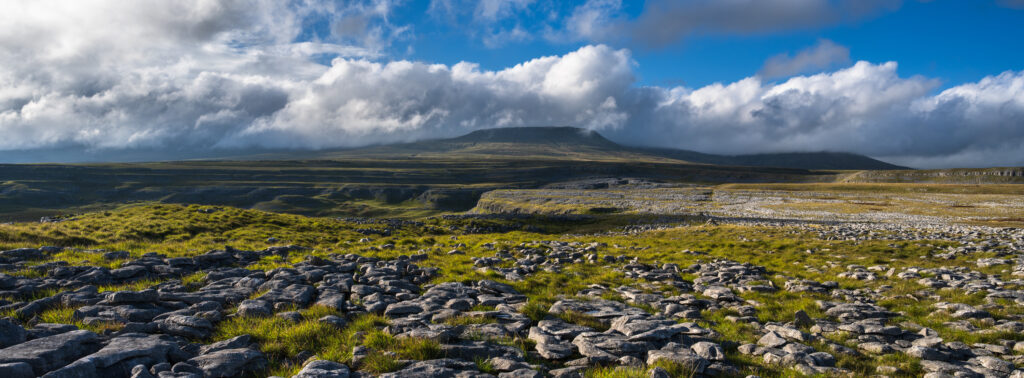
For this outing, I headed to the limestone pavement above Horton-in-Ribblesdale in the Yorkshire Dales National Park. With clouds racing overhead and sunlight breaking across the landscape, it was a wonderful place to experiment with the panoramic format associated with the Hasselblad XPan.
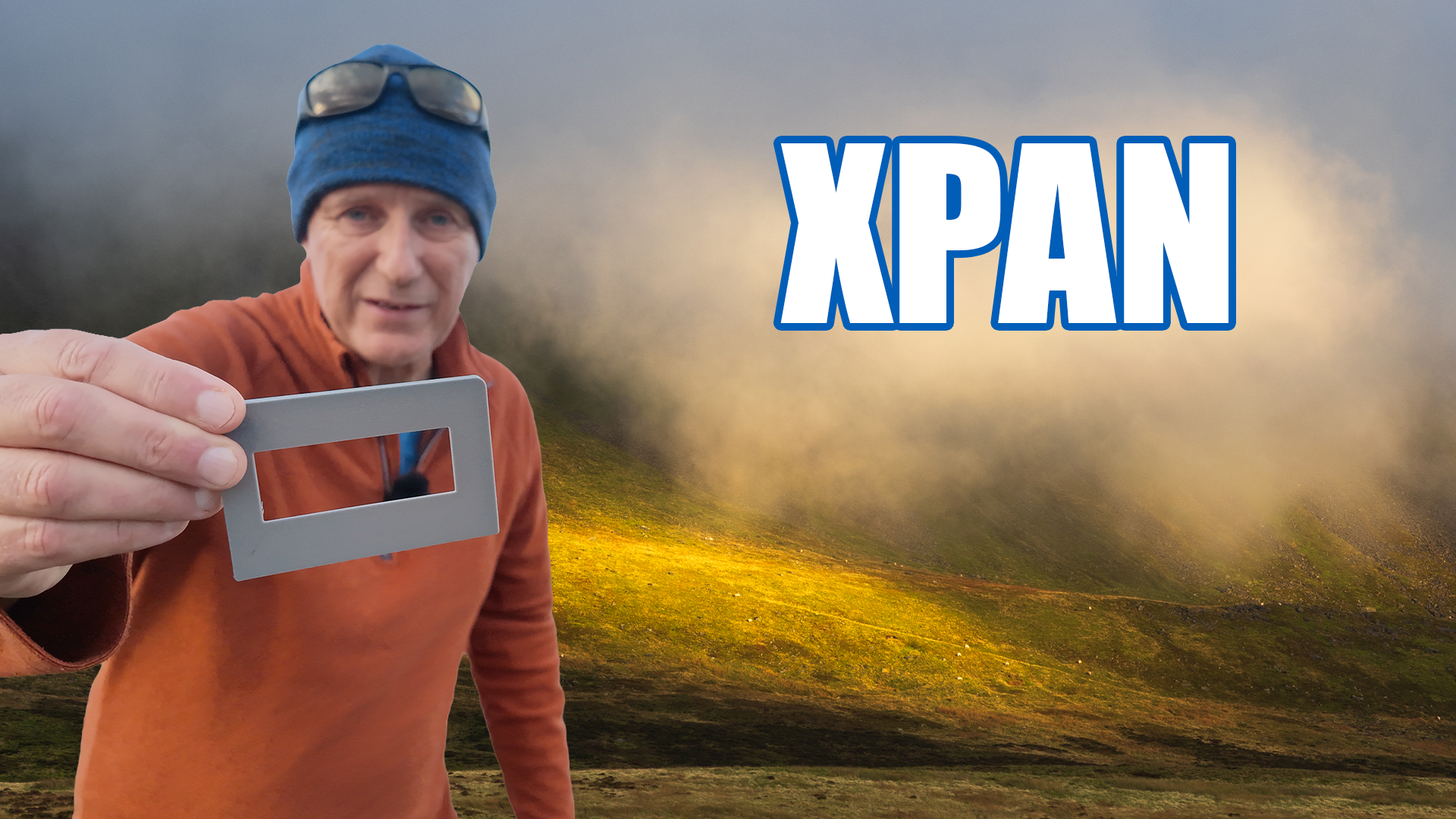
I was using my Nikon Z7, with one inexpensive addition: a mask covering the top and bottom of the rear screen. It’s a simple way to compose panoramic photographs with a camera that doesn’t offer an XPan crop in its display.
Why Compose in the XPan Format?
The Hasselblad XPan is famous for its wide panoramic images, using a frame measuring 65 × 24mm. You can recreate those proportions digitally by cropping a photograph to a 65:24 aspect ratio.
There are other ways to create panoramas, including stitching several photographs together. However, cropping a single image is straightforward and avoids the need to capture and merge multiple frames.
The compromise is resolution. You discard part of the image above and below your chosen composition. With a high-resolution camera such as the Nikon Z7, there’s still plenty of detail available for a useful panoramic photograph.
For me, the bigger challenge is composition. A successful panoramic image needs to work within its wide, narrow frame. Taking a conventional photograph and hoping to find a panoramic crop afterwards doesn’t encourage the same deliberate approach.
I want to see those boundaries while I’m taking the photograph.
A Simple Mask for Your Camera Screen
The inspiration came from another photographer’s video demonstrating a cardboard mask attached to a camera’s rear screen with elastic bands.
The idea is wonderfully simple. Cover the top and bottom of the displayed image, leaving an opening with the proportions of the XPan format. You can then compose within that opening while the camera records its photograph as usual.
The mask doesn’t change the lens, sensor or image file. It simply helps you visualise the final crop in the field.
A cardboard version is inexpensive and perfectly capable of doing the job. The important thing is that the opening matches the proportions of the image displayed on your screen, rather than being measured against the entire screen, including any borders.
My 3D-Printed Alternative
Although I liked the cardboard idea, I could imagine myself damaging it or losing it fairly quickly. I wanted something a little more durable for use outdoors.
My son has a 3D printer, which gave me another option. After searching online, I found a free design on Printables for a screen mask suitable for my camera. He printed it for me, following a little gentle encouragement!
With the Z7’s screen tilted out slightly, the mask clips into place and gives me a panoramic view of the composition.
There’s no need to use a 3D printer to try this technique. Cardboard provides the same framing aid. I simply like the convenience of a rigid accessory that I can clip on when I want to work in this format.
Finding Panoramic Compositions in the Yorkshire Dales
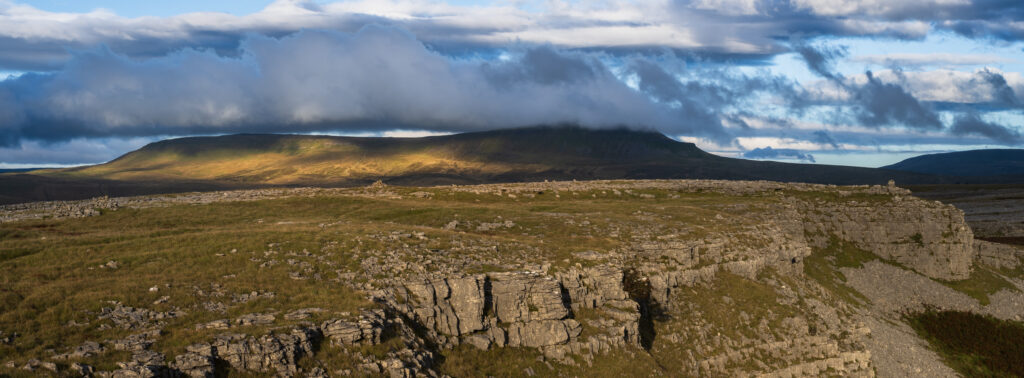
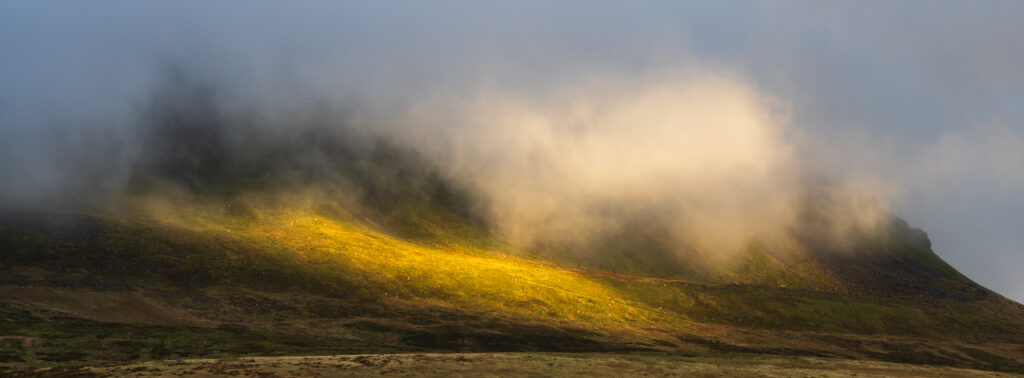
The limestone landscape offered several compositions that suited the wide frame.
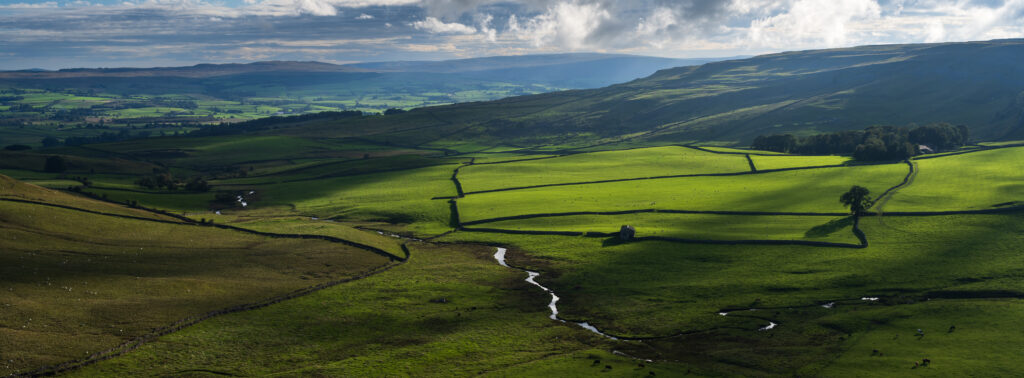
In one photograph, a small river on the right balanced a dry stone wall stretching towards the left. Together, they helped connect the scene across the image.
Another composition used the edge of the limestone pavement as a strong line, with Pen-y-ghent behind it. The ridge carried my eye across the photograph and gave the panoramic frame a clear structure.
I often think about these compositions as something the viewer reads from left to right. That isn’t a rule, but it helps me look for a route through the picture.
Keeping the composition relatively simple also helps. A wide frame can include plenty of distractions, so I look for a strong feature that holds the scene together.
The Drawbacks of Using a Screen Mask
The main inconvenience is that the mask can hide information on the rear display, including camera settings and part of the histogram.
On the Z7, I can check these through the electronic viewfinder. Alternatively, removing the mask briefly lets me review the whole screen.
It adds a small extra step, particularly when I’m swapping between glasses and the viewfinder, but I find that worthwhile for the improvement in how I visualise the composition.
Applying the Panoramic Crop in Lightroom
Before photographing a panoramic composition, I switch my camera to its 16:9 setting. This acts as a reminder when importing the images that I composed them with the wider XPan crop in mind.
The final crop is still 65:24. In Lightroom, I apply that custom aspect ratio to one photograph, then synchronise the crop settings across the relevant images.
Afterwards, I check each photograph individually and adjust the crop position where necessary.
Panoramic photography won’t suit every scene, but it’s an enjoyable way to experiment with familiar locations. A simple screen mask encourages you to compose differently—and a piece of cardboard is enough to get started.
If you’d like to see the technique in practice, watch the accompanying video for the screen mask in use and the finished photographs from the Yorkshire Dales.

Leave a Reply