
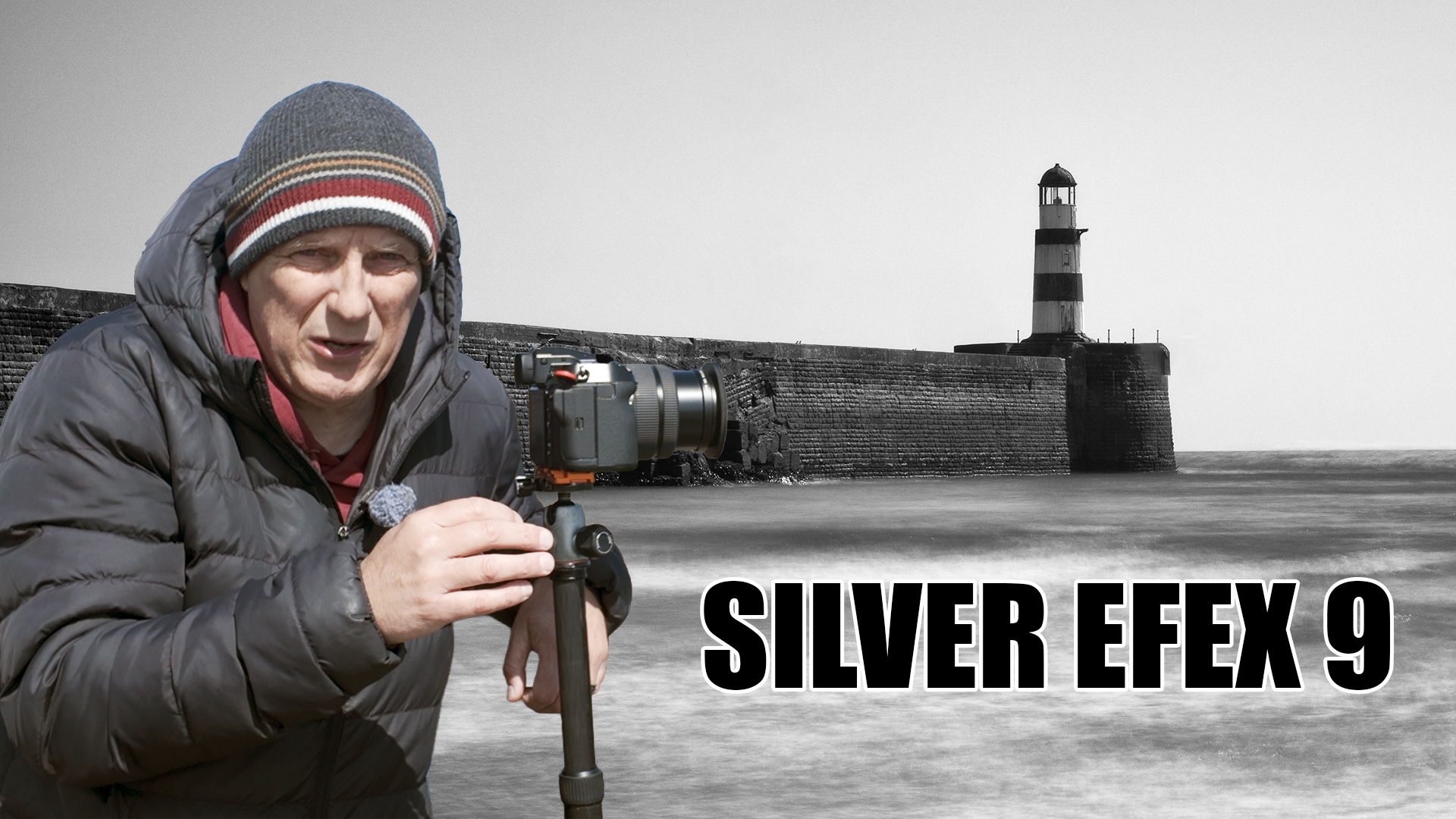
Black and white photography has always been about more than simply removing colour.
For me, a good black and white image is shaped through contrast, tone, structure, dodging, burning, and small local adjustments that help guide the viewer through the frame. That is why DxO Silver Efex has become such an important part of my editing workflow.
With the release of Nik Collection 9, I was particularly interested in the latest version of Silver Efex. I was fortunate enough to try a beta copy before launch, and the main feature I wanted to test was the new AI masking functionality.
On paper, this sounded genuinely useful.
My usual black and white workflow often involves moving between Lightroom and Silver Efex. I’ll normally take the image into Silver Efex to create the overall black and white look, then return to Lightroom for more precise dodging and burning. That works well, but it does mean jumping between pieces of software.

The promise of Silver Efex 9 is that more of that local editing can now happen inside the plugin itself.
To test it properly, I headed to the coast to make a few simple long exposure images. I wanted scenes with skies, water, harbour walls and strong tonal contrast — the sort of subjects where black and white processing can really make or break the final image.
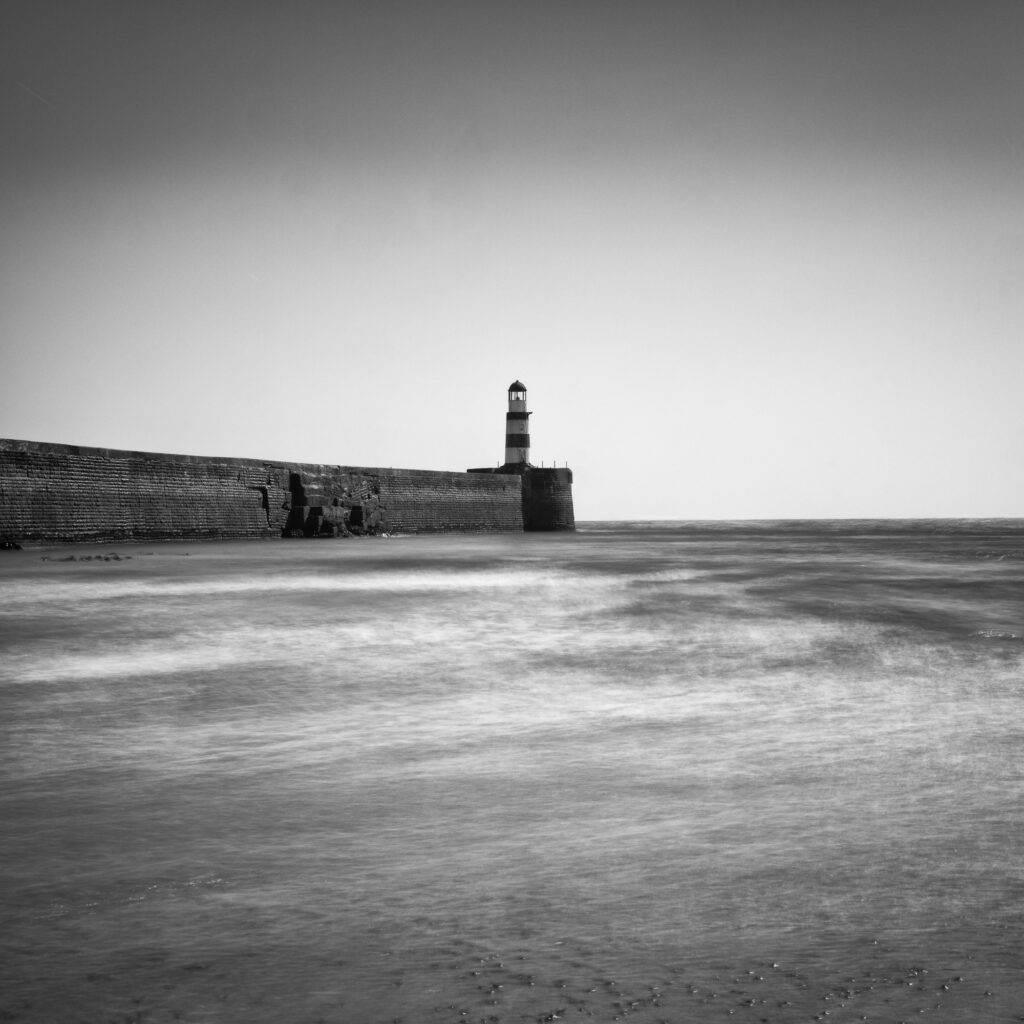
The first photograph was a very simple square composition with the lighthouse placed centrally. I’ve always felt that square format and black and white work beautifully together. There’s something timeless and balanced about the combination, especially with minimalist coastal scenes.
After bringing the image into Silver Efex 9 from Lightroom, I started with one of my usual high structure presets. I often move between the smooth and harsh options depending on the subject, but for this image I wanted a fairly bold, contrasty look.
The useful part came when adjusting the sky. Using the local adjustment tools, I was able to create a selection over the sky and darken it slightly without affecting the rest of the frame too heavily. It didn’t need anything dramatic — just enough to add mood and balance the tones.
I also added a subtle vignette to help hold the eye within the frame. The whole edit was straightforward, but that was partly the point. For simple black and white images, Silver Efex 9 still feels fast, familiar and very effective.
The second image was a better test.

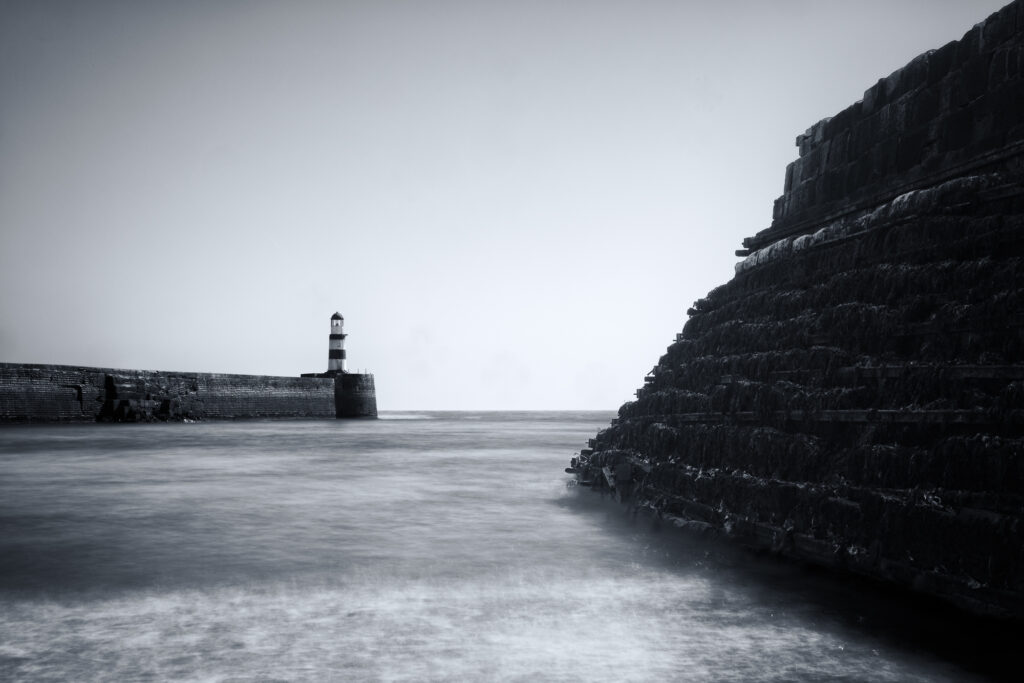
This time I deliberately photographed a scene where the sea wall was sitting in deep shadow. I wanted to see whether the AI masking tools could identify and isolate that darker area so I could lift some detail without making the whole image look unnatural.
And to be honest, I was quite impressed.
The object selection tool did a decent job of finding the structure, even though it wasn’t perfect around every edge. That’s not a criticism as much as a reminder that AI masking is still a tool rather than magic. But it gave me a very usable starting point, and with a little adjustment I could bring back detail in the shadowed wall while keeping the image believable.
That “believable” part is important.
With black and white editing, it’s very easy to push local adjustments too far. Shadows become muddy, highlights become harsh, and suddenly the photograph starts to look processed rather than interpreted. Silver Efex 9 gives enough control to make selective adjustments, but still encourages a fairly photographic approach.
The final image I worked on was another simple square harbour composition. At the time of taking the photograph, I wasn’t entirely convinced by it. But once I started editing, it came together better than expected.
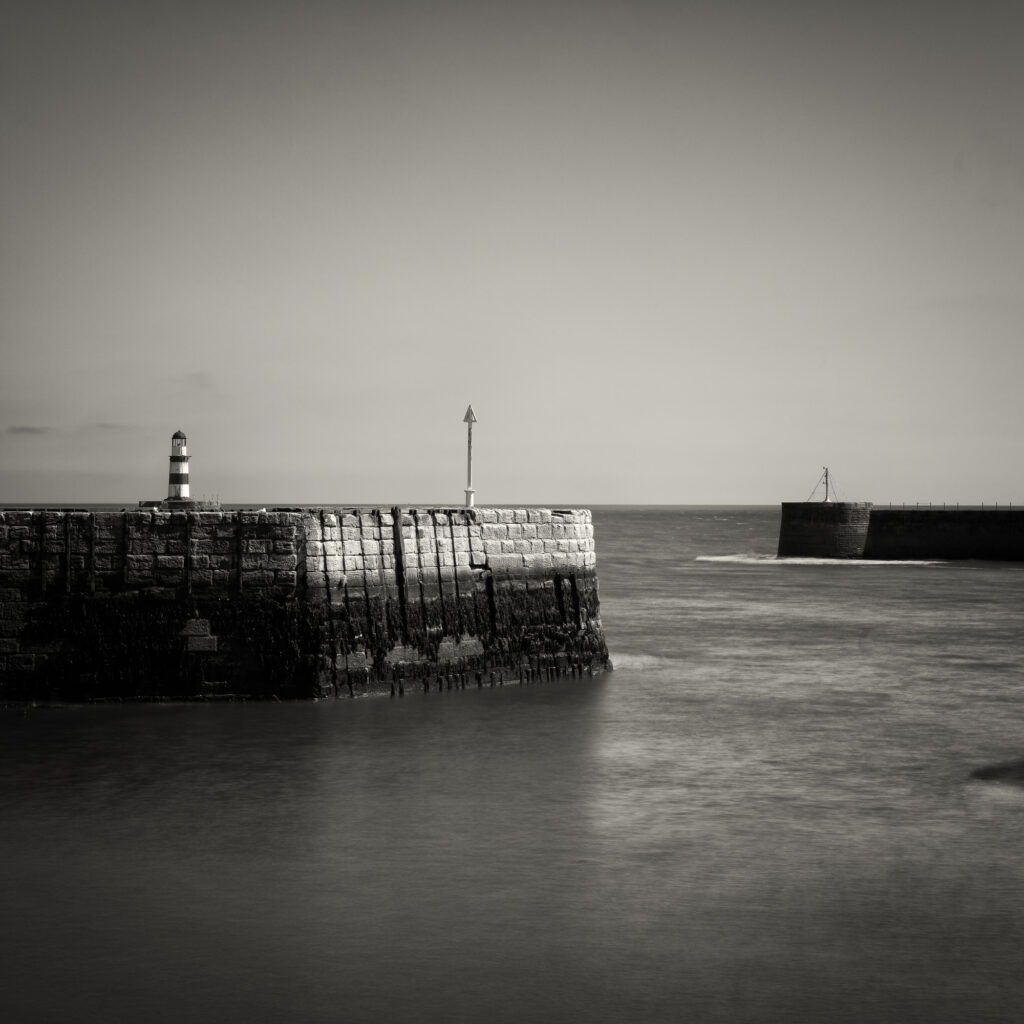
I used a control line to work on the sky, an area selection to darken the water, and object selection to lift the harbour wall slightly. I also added a subtle warm tone, which helped give the image a bit more character without making it feel overly stylised.
That was probably the biggest takeaway from using Silver Efex 9.
The AI features don’t replace the creative process. They simply make it easier to shape the image in a more controlled way.
For photographers who enjoy black and white editing, that matters. A strong monochrome image often relies on local contrast and tonal separation. Being able to selectively darken a sky, lift a foreground, or add structure to a specific area without constantly bouncing back into Lightroom makes the workflow feel more complete.
There are still things I’d likely finish in Lightroom, especially quick dust spot removal and final small tweaks to the whites or overall balance. But Silver Efex 9 now feels much closer to being a complete black and white editing environment.
And that is probably what makes this upgrade worthwhile.
Software updates can sometimes feel minor, especially when the previous version already works well. But in this case, the AI masking tools genuinely add something useful to the way I edit black and white photographs.
Silver Efex was already one of my favourite black and white plugins.
With this latest version, it has become even more practical for the sort of detailed tonal work that black and white photography really needs.



Leave a Reply